
Capturing Salesforce OAuth Code in Postman (No Manual Copy)
This hack demonstrates how to capture the OAuth Web Server (Authorization Code) flow in Postman in order to retrieve the authorization code. Rather than fully automating the flow (something Postman already handles ), this approach focuses on extracting the authorization code when it needs to be forwarded to another component (such as a gateway or backend responsible for the token exchange). This can make sense in architectures where different components handle different parts of the flow, for example separating the callback handling from the token exchange logic. This approach relies on reusing an existing authenticated browser session via Postman Interceptor.
HACKS
1. Install Postman Interceptor
Once installed, you can manage cookie synchronization either from the browser extension or directly from Postman.
In Postman:
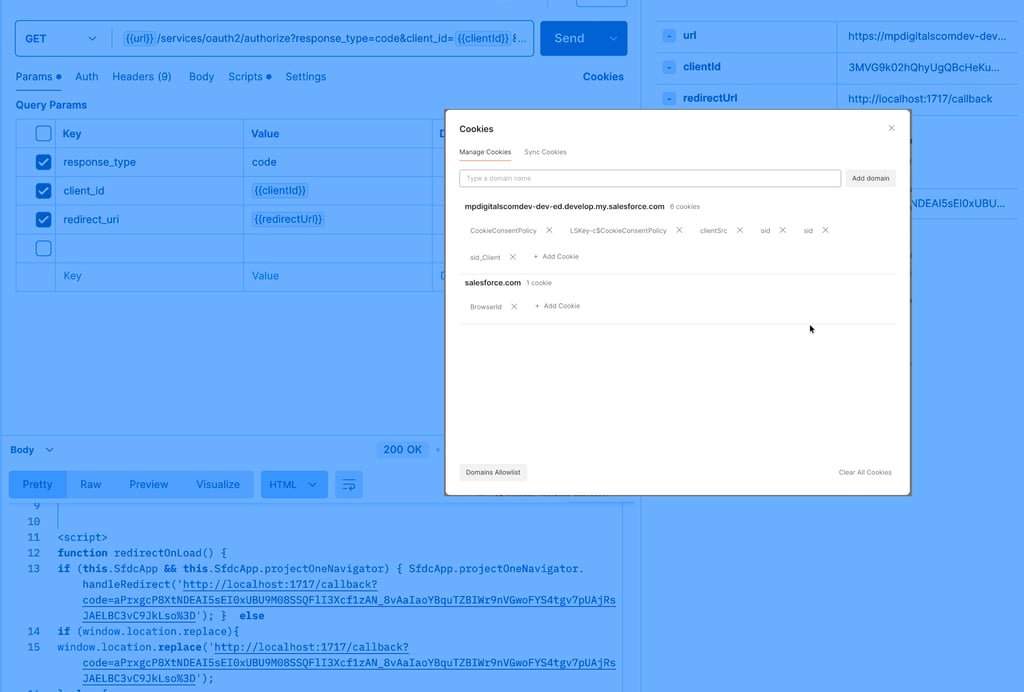
Open the Cookies section
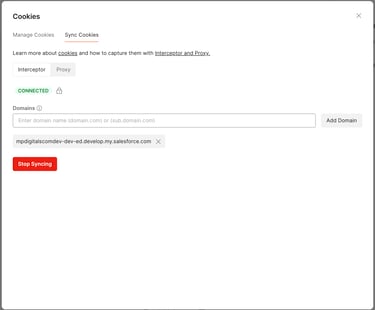
Navigate to Sync Cookies
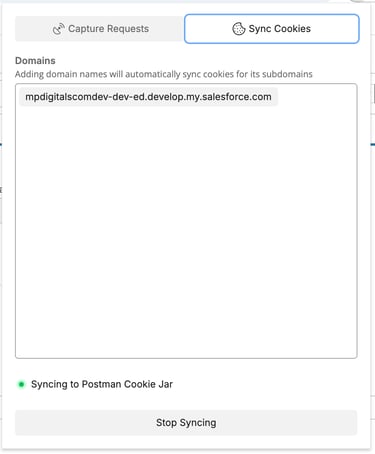
Enable Interceptor and add your target domain
Enable:
Capture Cookies
Capture Requests
Once connected, Postman will start syncing cookies from your browser session.
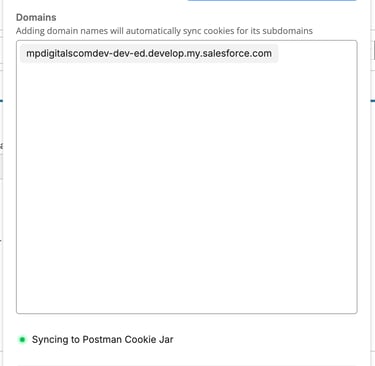
2. Add a domain to sync cookies
Postman Interceptor synchronizes cookies based on the configured domain. According to the official documentation, adding a domain (e.g. salesforce.com) should also include cookies from its subdomains.
However, in practice, behavior may vary:
Adding the root domain (e.g. salesforce.com) typically syncs cookies across subdomains.
When configuring a specific subdomain (e.g. yourorg.my.salesforce.com), cookie synchronization is mostly limited to that host. That said, some cookies from the parent domain (e.g. salesforce.com) may still be captured, but not as extensively as when the root domain is used.
Even when cookies are visible in Postman, they are only sent if they match the exact request domain.
Cookie synchronization depends on how the browser stores them (domain, path, security flags), and is not explicitly configurable within Postman.
In some cases, you may see cookies synced but not used in requests due to domain mismatch
3. Add the script
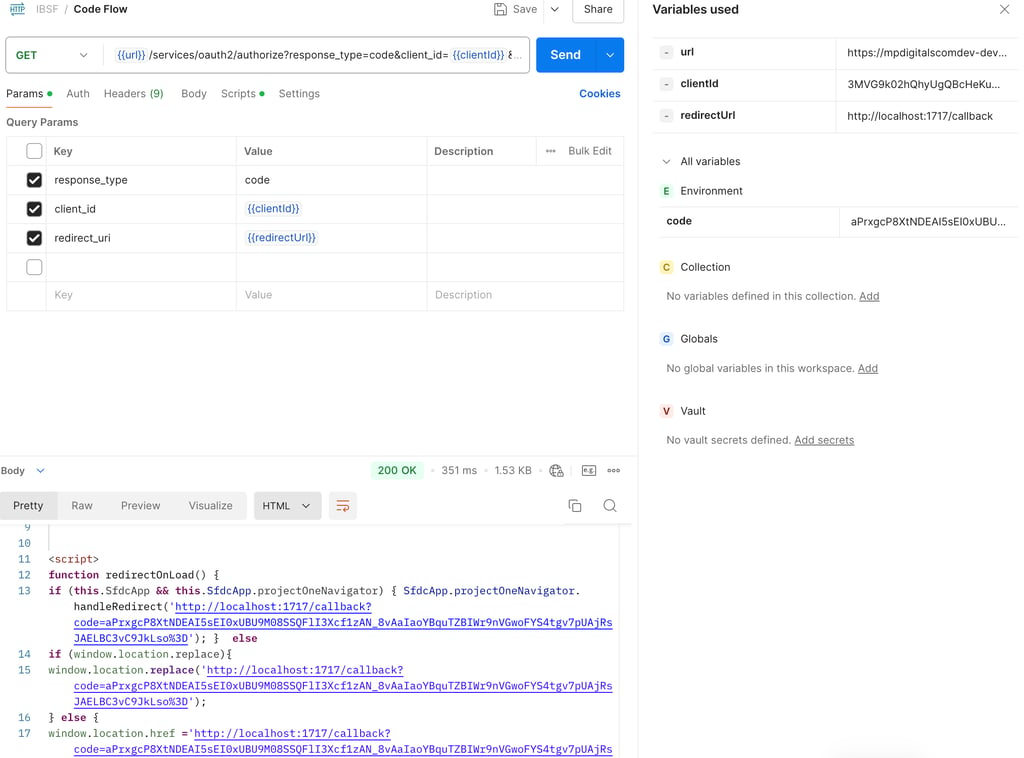
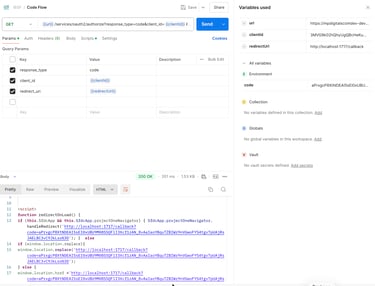
To automate the flow, you need to add a test script that captures the authorization code and stores it in an environment variable.
This script extracts the authorization code from the response and stores it in an environment variable for reuse in the token request.
4. Sending request
Once Postman Interceptor is enabled, cookies from your browser session (including the Salesforce sid) are synchronized into Postman’s internal cookie jar.
When sending a request to the OAuth /authorize endpoint, Postman automatically includes the session cookie, allowing the request to be executed as an already authenticated user, provided the session is still valid and scoped to the target domain.
However, during the first execution, Salesforce will still require user consent (OAuth consent screen). This is the step where the user must click “Allow” to grant access to the Connected App.
Configuration
Related Stories
mpdigitals.com © 2026 | Salesforce insights and digital transformation